Event Details: one click from the job header
The Event Details card used to sit at the bottom of the job sidebar, so checking when a job was scheduled meant scrolling past everything else. Now it lives in the job header: the date is always visible, and the full detail is one click away..
What's new
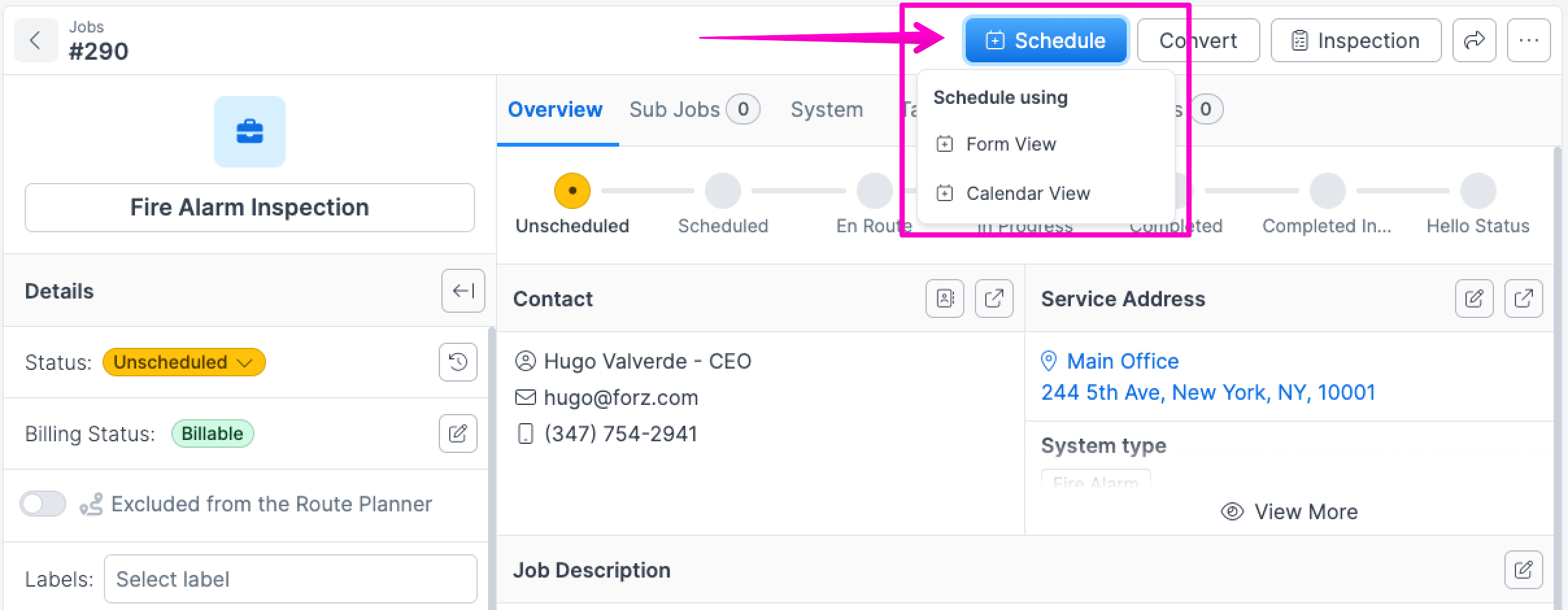
To schedule an event, click the "Schedule" button in the job header.
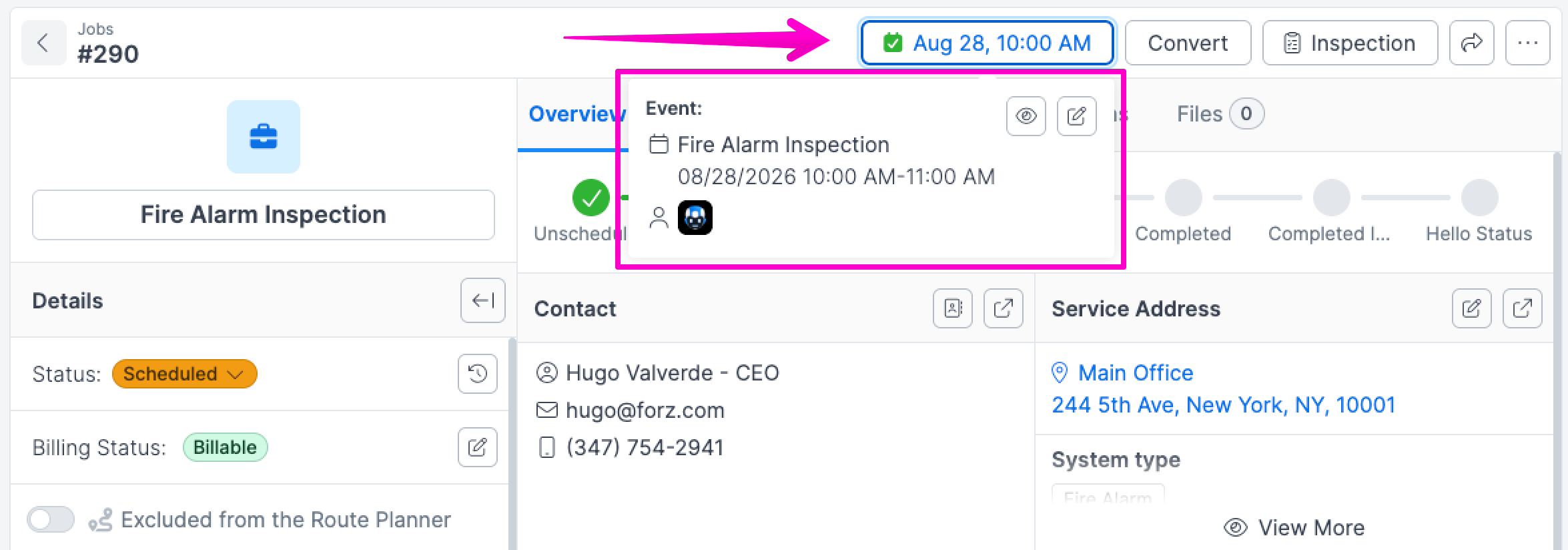
Once scheduled, the button displays the event date and time. Click it to see the full event details in a popover.
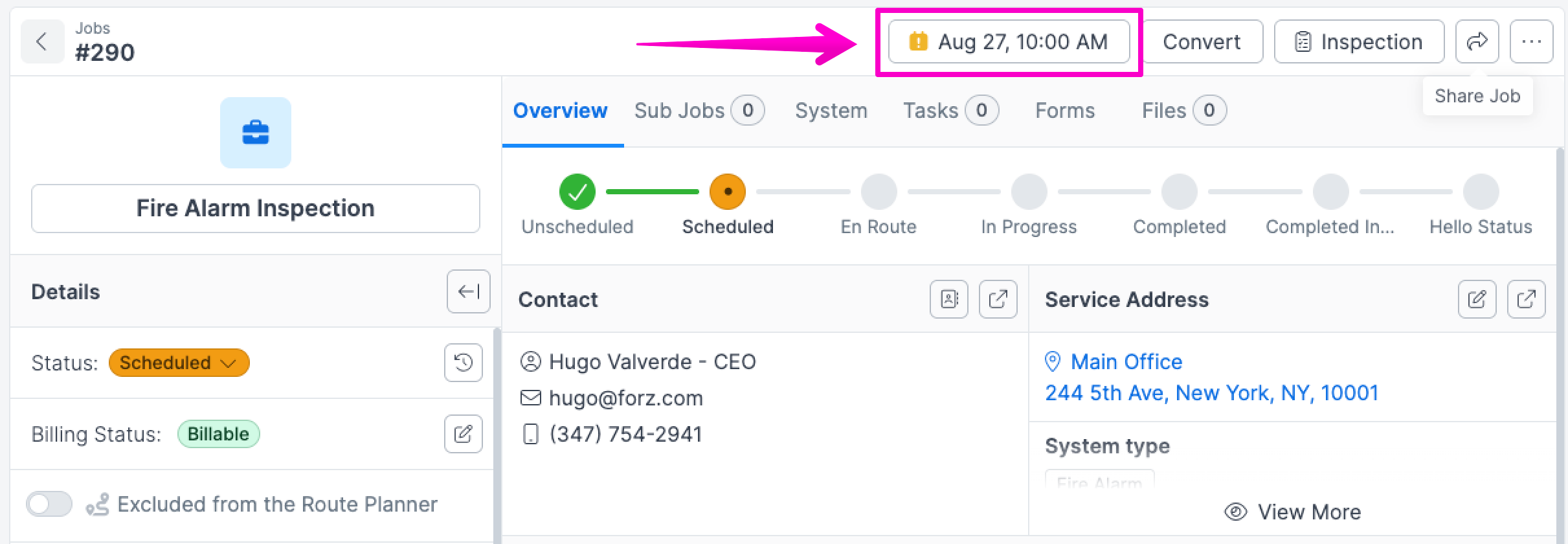
When an event is overdue and the job isn't completed, the button shows a yellow icon to flag it.